
Wanna make something totally unique that's not only art but wearable at the same time? Or perhaps you're a small company experimenting with an idea prior to placing a bulk order? The CUSTA tote bags offer a perfect canvas on which to showcase your artistic skills. And since the fabric is thick, the paint won't affect its shape and form.
However, before designing your canvas, you have to learn how to approach designing on the bag like a pro. That means you need to know the print space and its safe zones so that your artwork would look fantastic whether your bag lies or hangs.
When you see an empty tote, you see just a simple piece of cloth in the shape of a rectangle. But the bag is three-dimensional and becomes curved when filled with the necessities of your everyday life. Here are the principle of composition you should keep in mind to highlight your wonderful artwork:
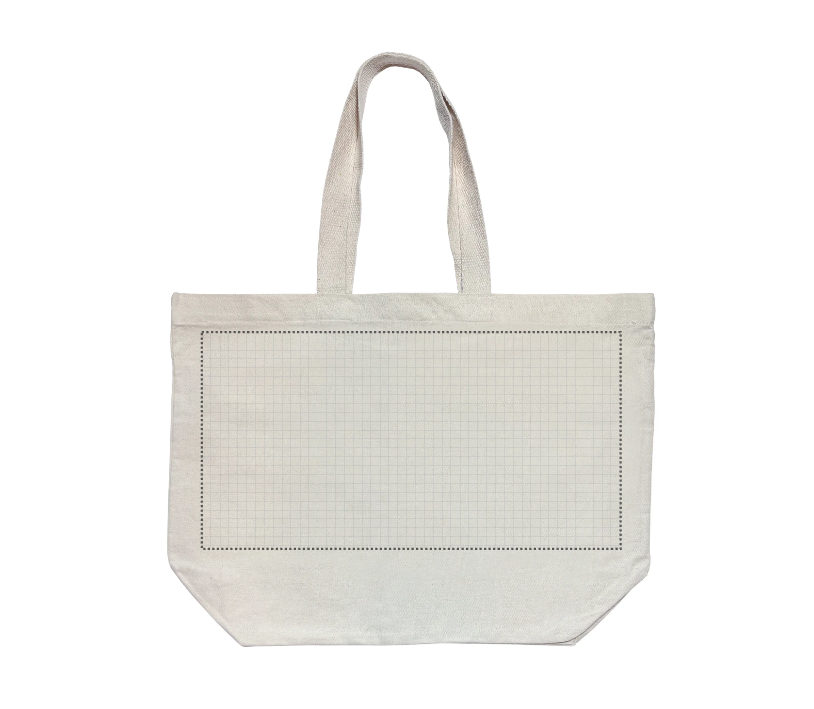
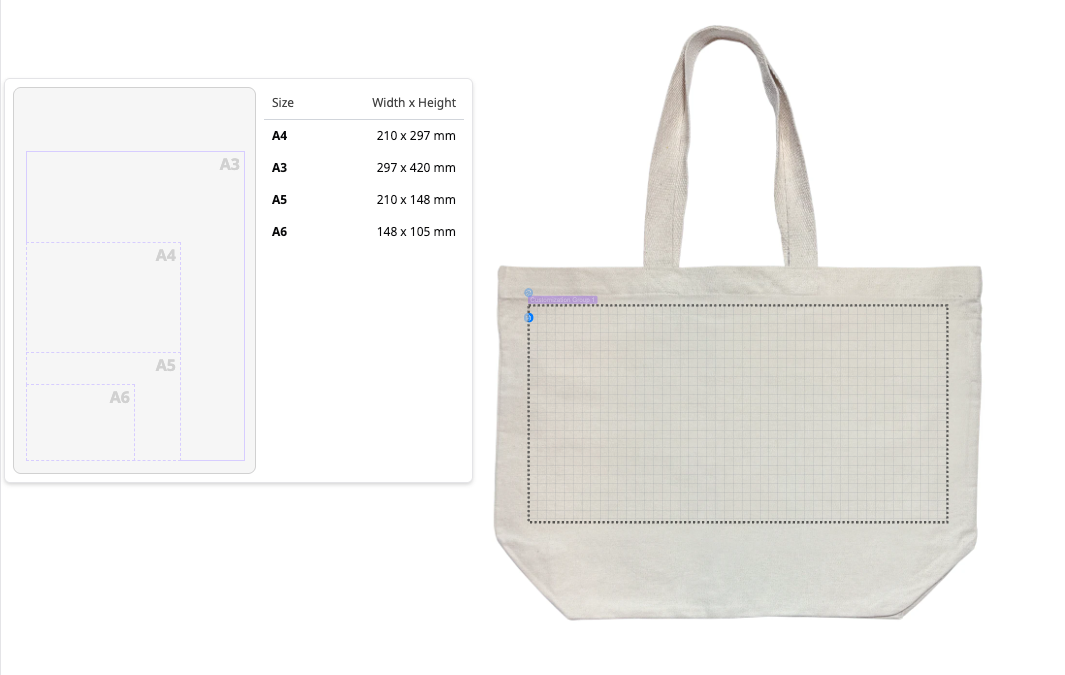
| Size | Printing Area | Best For | Why Choose This? |
|---|---|---|---|
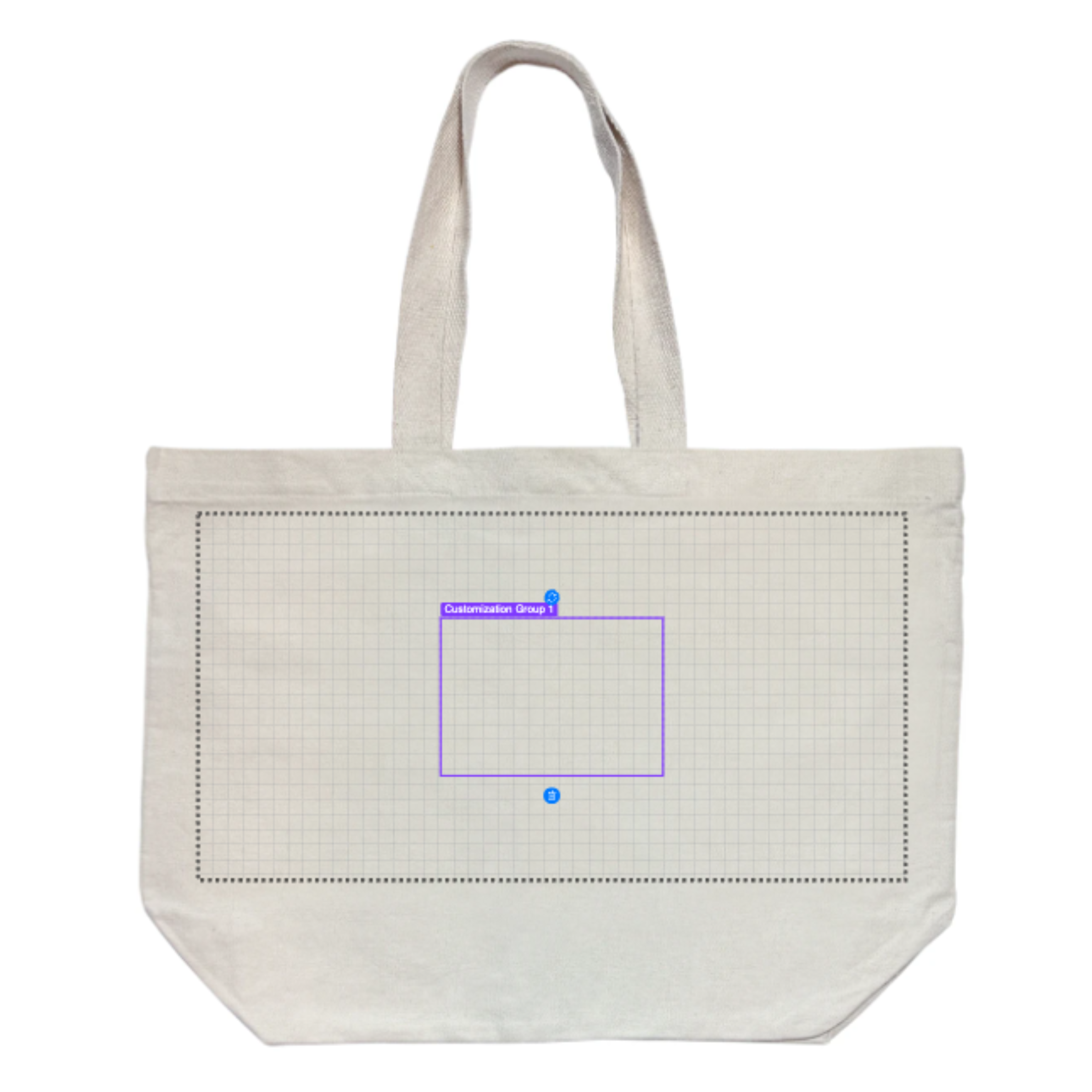
| A3 |
|
Big, Bold Graphics & Full illustrations | This represents our biggest printing capacity. This is definitely ideal if you would like to have your graphic art spread out on the entire surface of the bag. |
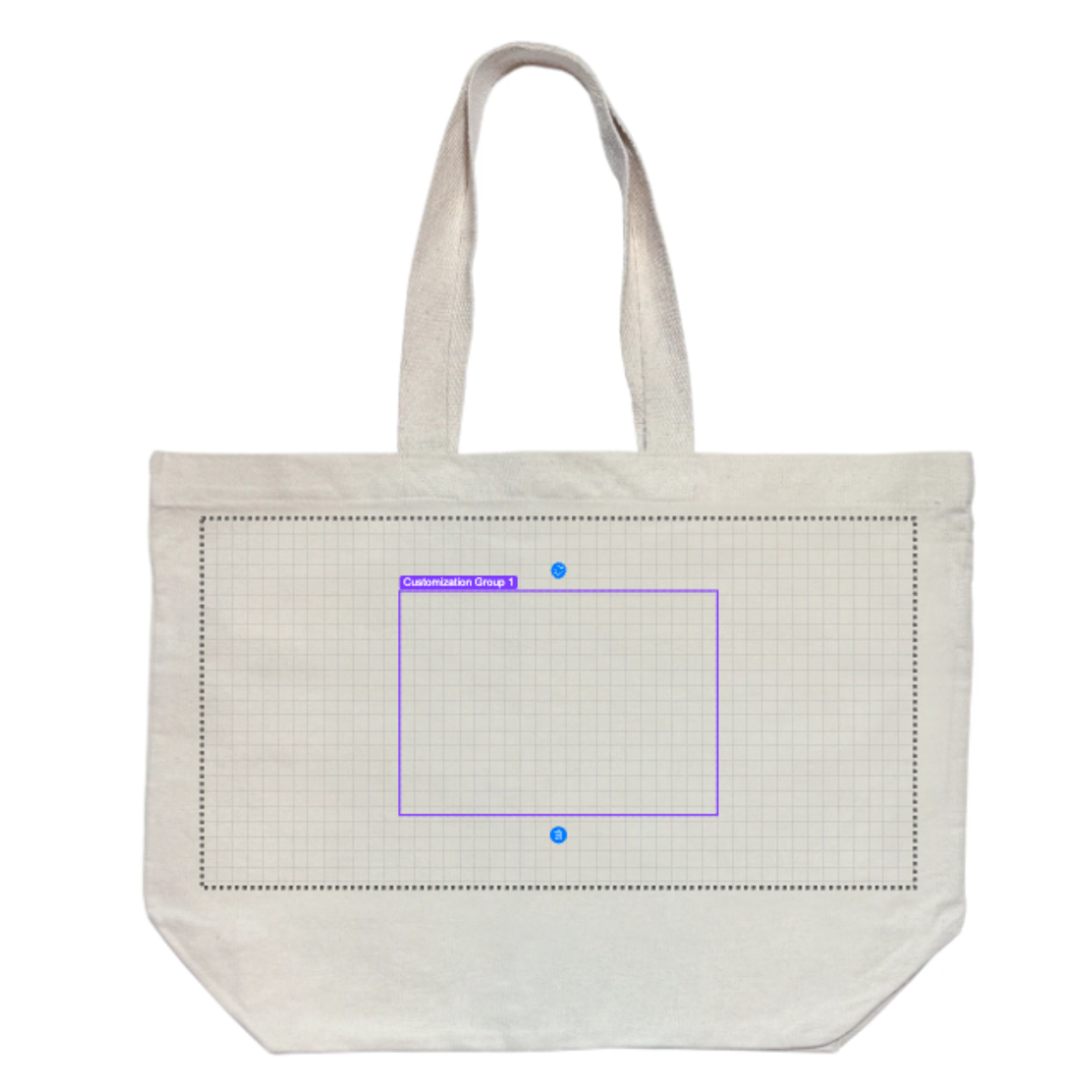
| A4 |
|
Standard Brand Logos & Promotional Prints | It is the most favored print size from among our offerings. It prints perfectly at that great spot in the bag, maintaining wonderful margins to ensure that your logo can easily be seen when the bag is on someone's shoulder. |
| A5 |
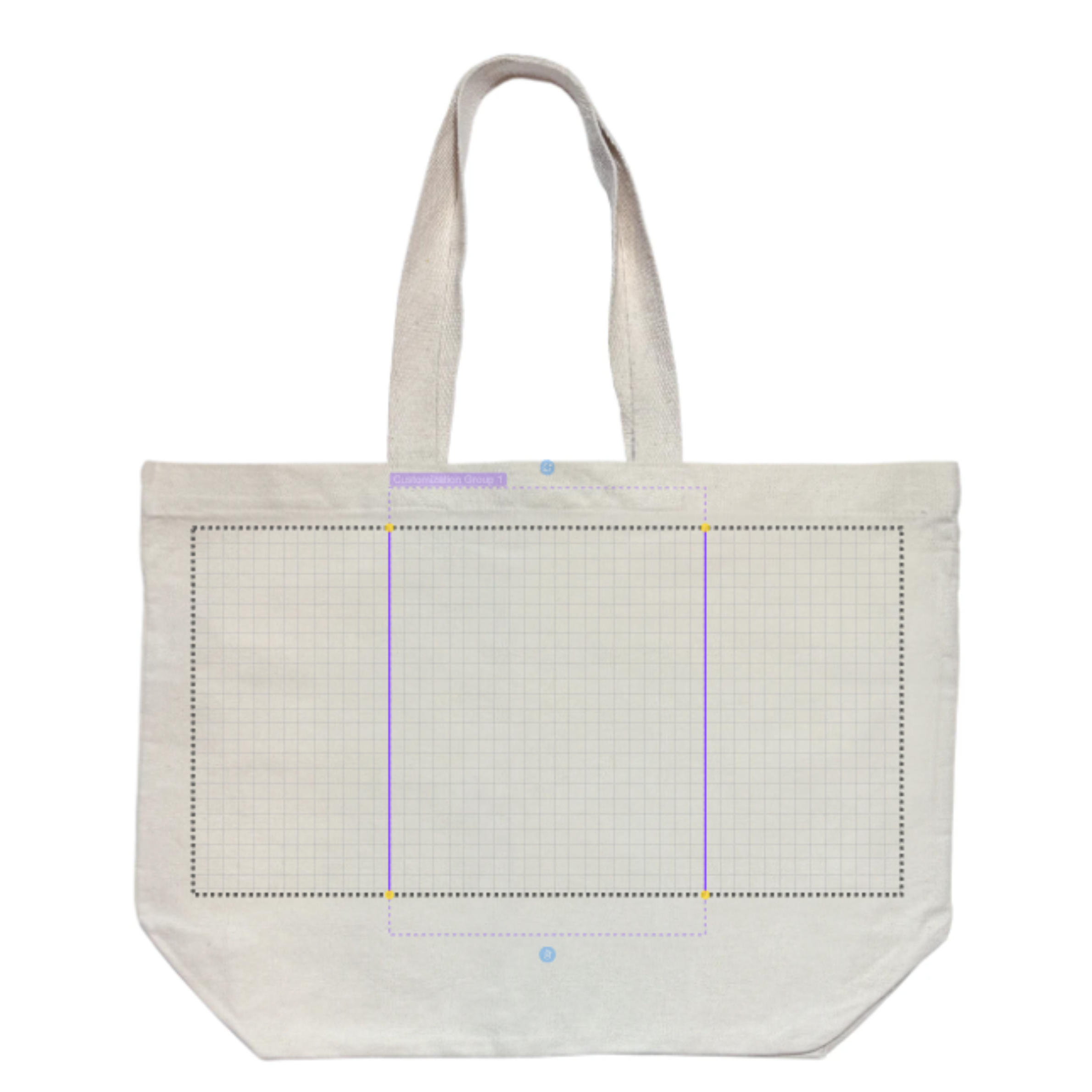
|
Wide logos or bold typography quotes | Perfect for text lines in landscape design, larger badge logos or horizontal designs where you'd like the logo to be a little higher up on the tote to prevent it from getting covered if the bottom fold opens wider. |
| A6 |
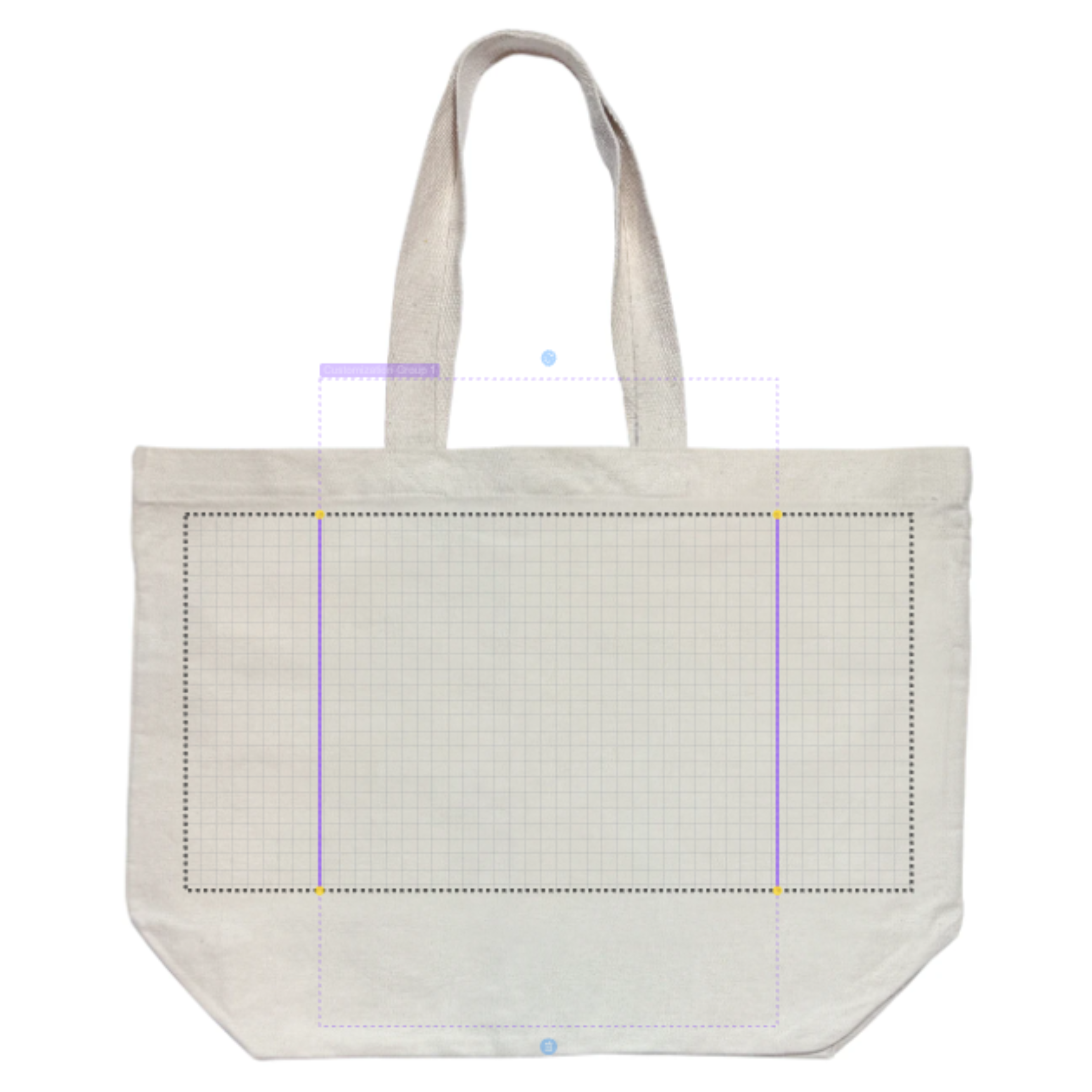
|
Minimalist branding & subtle accents | Great if you're going for a more sophisticated style of logo like a stamped corner logo, mini logo centered on the canvas, or even pocket branding. |
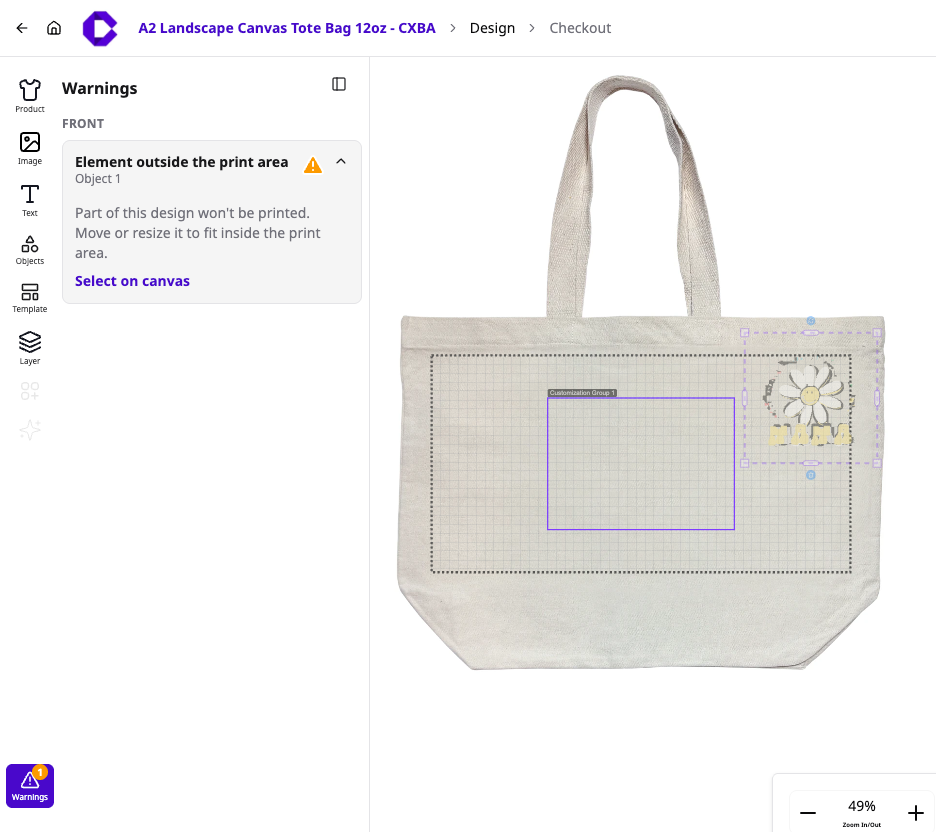
Moving your artwork beyond the purple line initiates our application's live warning message: "Element outside the print area."
⚠️ Do Take Note of This Message: Anything from your designs that extends beyond or even just touches this purple line will be printed since they won't make up a part of your final design.
For customization merchandise, design printing, or premium gift bundles, please contact our Sales support team for a personalized quote.

@ 2025 CUSTA. All rights reserved
CUSTA SDN. BHD. (Company Registration
No. 2023010003516 [1522349-U])